
TikTok LIVE chat went quiet? Notice one detail and ask
0:33 video · Last updated
Short answer
Talk directly and ask questions. Look at the small details, like a viewer's picture, name and level, and turn one into a question. Each viewer feels seen, so they jump in.
Steps
- Never stop talking, and keep starting new conversations.
- Look at the small details: a viewer's picture, name and level.
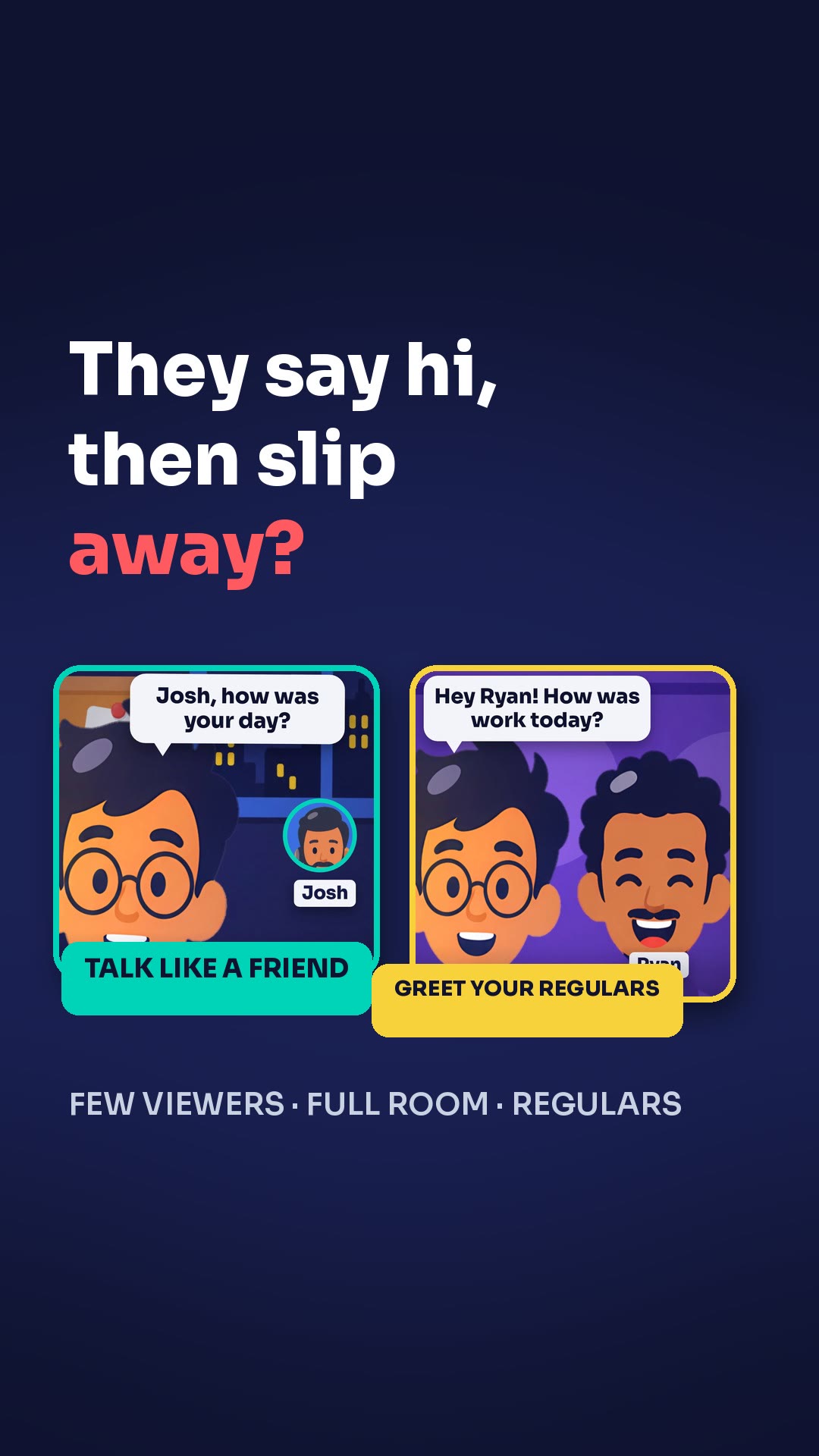
- Turn one detail into a question, like "Hey Ryan, nice dog in your picture. What kind is it?"
Key points
- One simple habit brings comments back: talk directly and ask questions.
- Each viewer feels seen, so they jump in.
- No big topics are needed.
Full transcript
Your comments were flying. Now they've dropped to nothing. One simple habit brings them back: talk directly and ask questions. Never stop talking, and keep starting new conversations. Look at the small details: a viewer's picture, name and level. Turn one into a question. "Hey Ryan, nice dog in your picture. What kind is it?" Each viewer feels seen, so he jumps in. No big topics needed. Just notice people, and ask. More LIVE tips in the CN Creator App.
Questions this lesson answers
What should I do when comments drop to nothing?
Talk directly and ask questions. Never stop talking, and keep starting new conversations.
What details can I ask a viewer about?
Look at a viewer's picture, name and level, and turn one into a question.
Do I need big topics to get the chat going?
No. Just notice people, and ask.
Watch next

Run an agency? Your creators get these lessons inside CN Creator App. See what CN Creator App does for an agency
More LIVE tips in the CN Creator App
The CN Creator App has a Learn section with more short TikTok LIVE lessons, on iPhone and Android.


 Scan to install on your phone
TikTok and TikTok LIVE are trademarks of ByteDance Ltd. CN Creator App is not a TikTok product.