
What to check before you go TikTok LIVE: 3 things
0:35 video · Last updated
Short answer
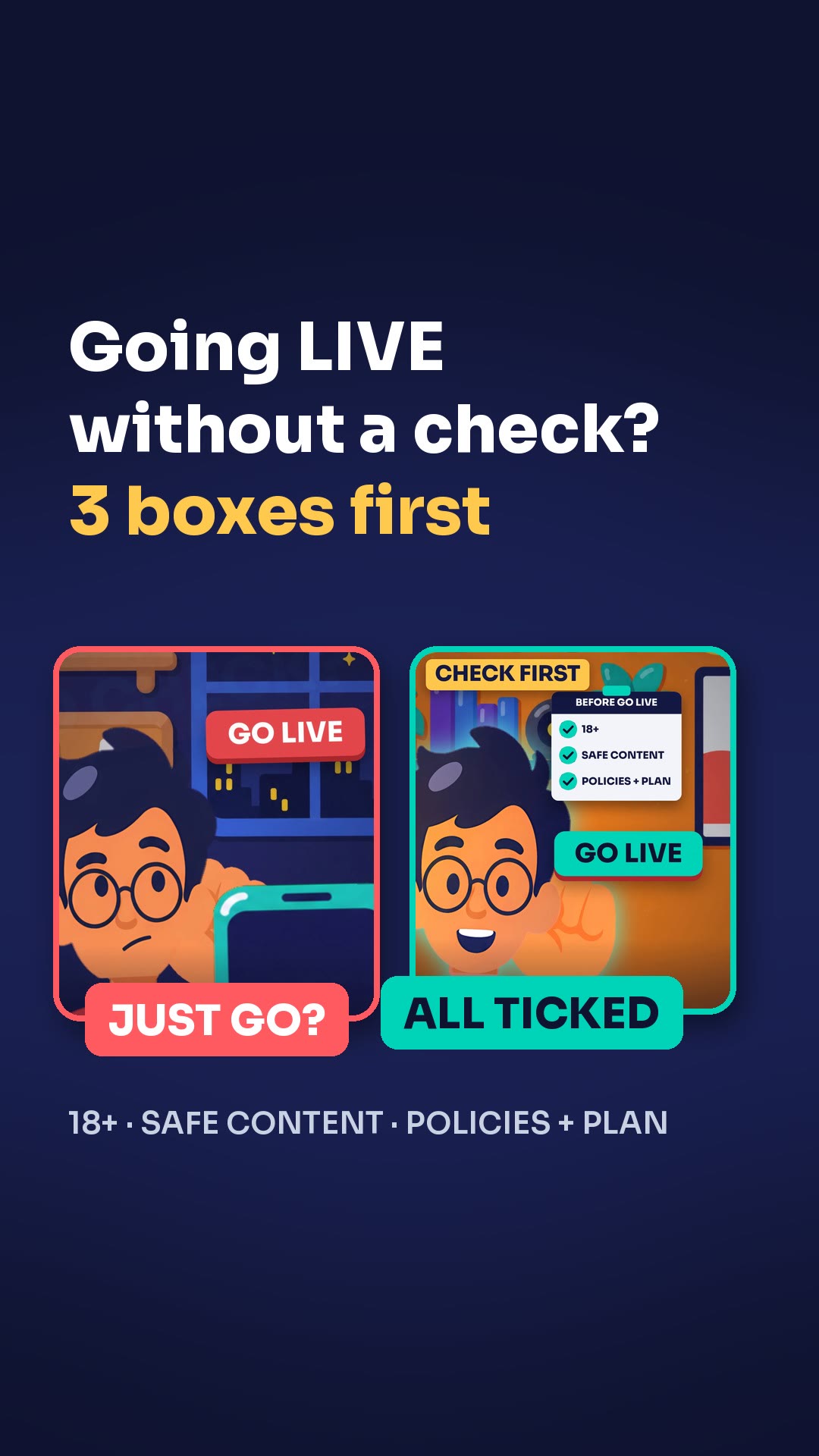
Check three things before you press Go LIVE. Keep banned content out of your LIVE, respect the rules and treat other creators politely, and bring your moderators. Then be real, because your personality is the key.
Steps
- Keep banned content out of your LIVE.
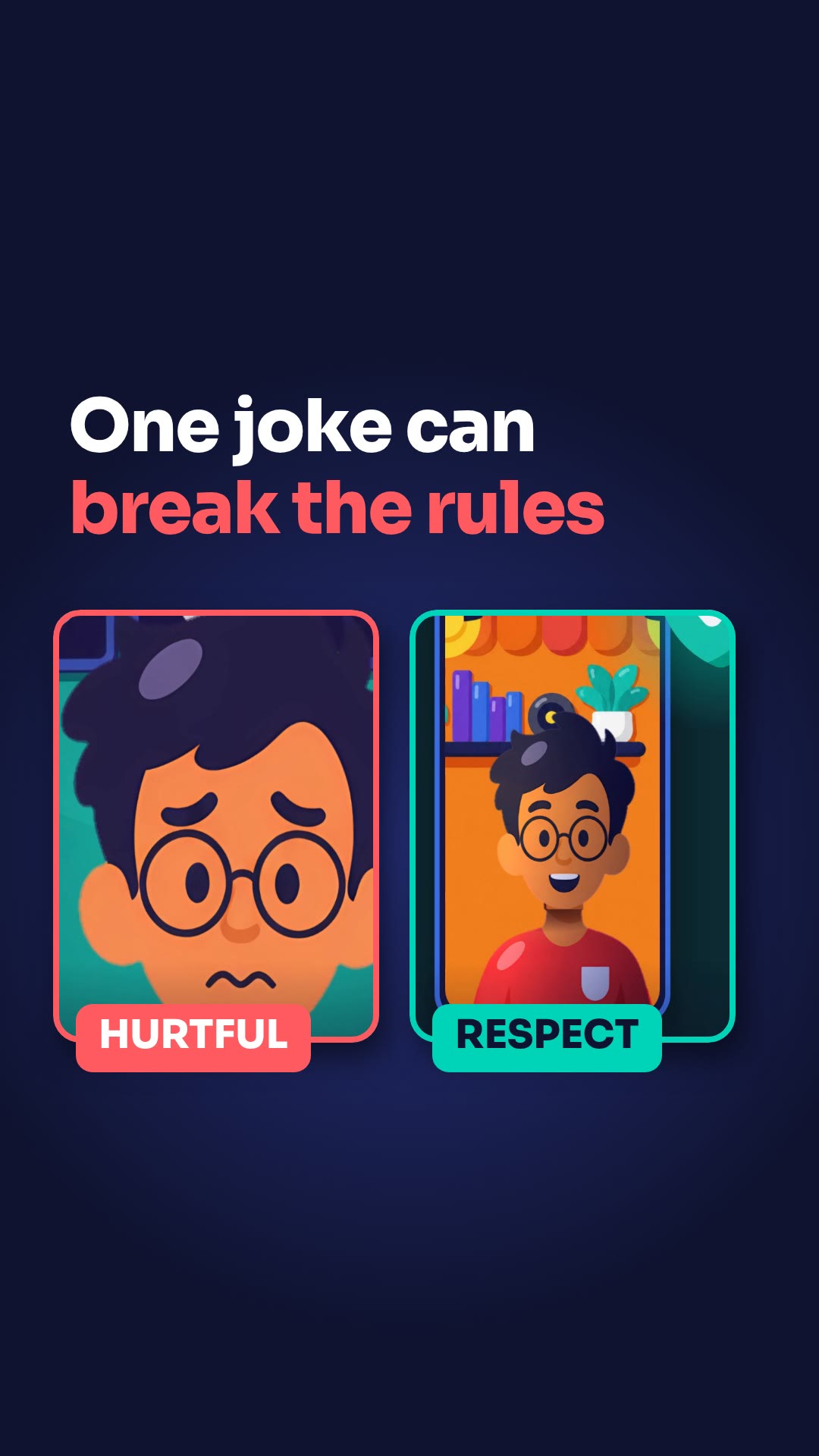
- Respect the rules and treat other creators politely.
- Ask your moderators to join, like "Ryan, can you mod tonight?"
- Be real and don't copy anyone.
Key points
- Moderators keep the chat clean and the spam away.
- With moderators there, you can focus on your viewers.
- Your personality is the key.
Full transcript
Jake, about to hit Go LIVE? Hold on. Are you really ready? Check three things first. One: keep banned content out of your LIVE. Two: respect the rules, and treat other creators politely. Three: bring your secret weapon, your moderators. "Ryan, can you mod tonight?" They keep the chat clean and the spam away, so you can focus on your viewers. And be real. Your personality is the key. Don't copy anyone. Ready? Press Go LIVE. More LIVE tips in the CN Creator App.
Questions this lesson answers
What do moderators do in my LIVE?
They keep the chat clean and the spam away, so you can focus on your viewers.
How should I treat other creators?
Respect the rules and treat other creators politely.
Should I copy other creators?
No. Be real. Your personality is the key.
Watch next
Run an agency? Your creators get these lessons inside CN Creator App. See what CN Creator App does for an agency
More LIVE tips in the CN Creator App
The CN Creator App has a Learn section with more short TikTok LIVE lessons, on iPhone and Android.


 Scan to install on your phone
TikTok and TikTok LIVE are trademarks of ByteDance Ltd. CN Creator App is not a TikTok product.