
Music too loud on TikTok LIVE? Keep your voice on top
0:35 video · Last updated
Short answer
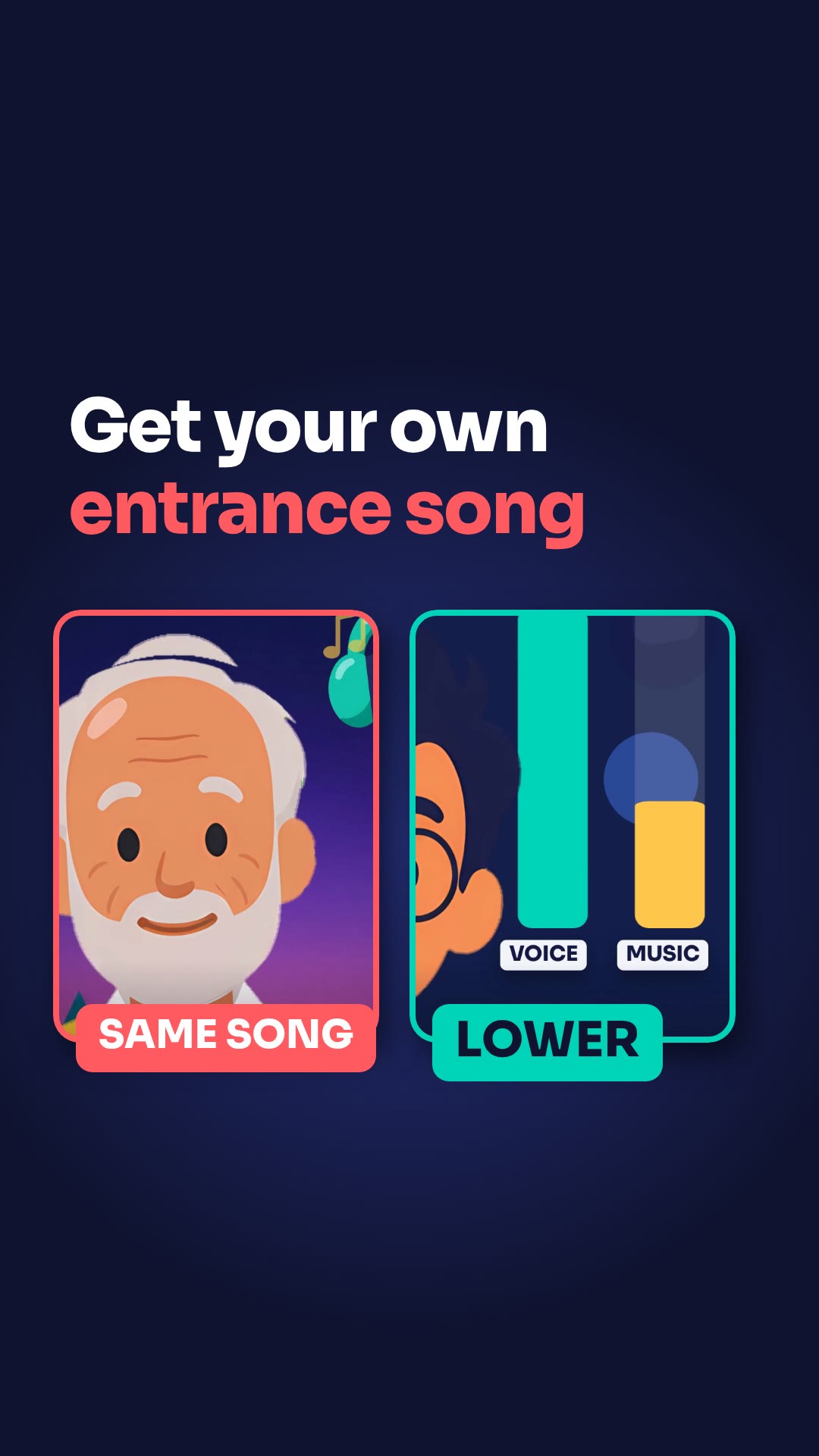
Keep your voice on top and the music low. Test your sound before you go LIVE so viewers can hear you. Background music can make a LIVE fun, or annoying.
Steps
- Test your sound before you go LIVE.
- Keep your voice on top and the music low.
- Make a playlist and keep switching songs.
- Try sound effects, like a victory sound after a round.
Key points
- Background music can make a LIVE fun, or annoying.
- Playing the same song again and again kills the energy.
- Sound effects are one way to get more interaction.
Full transcript
Your music is so loud, viewers can't hear you. Background music can make a LIVE fun, or annoying. First, test your sound before you go LIVE. Keep your voice on top and the music low. Second, don't play the same song again and again. It kills the energy. Make a playlist and keep switching. Third, want more interaction? Try sound effects, like a victory sound after a round. Your voice first. Music second. More LIVE tips in the CN Creator App.
Questions this lesson answers
How loud should my music be on LIVE?
Keep your voice on top and the music low. Test your sound before you go LIVE.
Is it a problem to play the same song again and again?
Yes, it kills the energy. Make a playlist and keep switching.
How can I get more interaction with sound?
Try sound effects, like a victory sound after a round.
Watch next
Run an agency? Your creators get these lessons inside CN Creator App. See what CN Creator App does for an agency
More LIVE tips in the CN Creator App
The CN Creator App has a Learn section with more short TikTok LIVE lessons, on iPhone and Android.


 Scan to install on your phone
TikTok and TikTok LIVE are trademarks of ByteDance Ltd. CN Creator App is not a TikTok product.