
Going TikTok LIVE with just a photo? Fewer people see it
0:35 video · Last updated
Short answer
Fewer people will see it. A black screen, a profile picture, a dark room and a blurry camera all count as low quality. Light up your face, and talk and move so it feels alive.
Steps
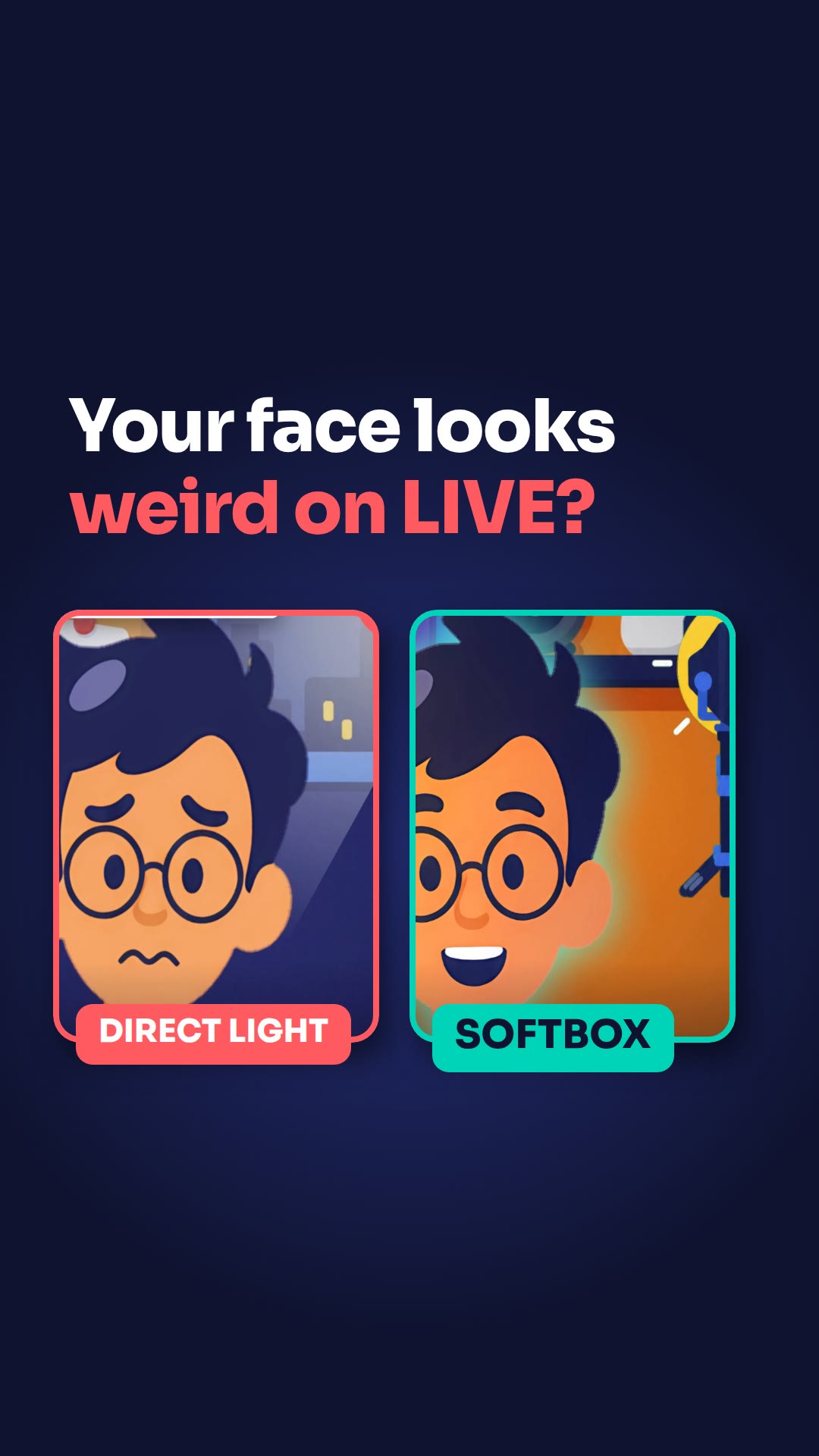
- Light up your face so viewers can see you.
- Talk and move so it feels alive, and ask viewers questions like "Hey Mike, where are you watching from?"
- If you're camera-shy, use a sticker or go audio-only with a voice chat.
Key points
- A black screen, a profile picture, a dark room and a blurry camera all count as low quality.
- A still screen means a small LIVE.
- Be seen, or be heard.
Full transcript
Going LIVE with just a photo up? Fewer people will see it. A black screen, a profile picture, a dark room, a blurry camera: that all counts as low quality. So, one: light up your face, so they see you. Two: talk and move, so it feels alive. Ask, "Hey Mike, where are you watching from?" Three: camera-shy? Use a sticker, or go audio-only with a voice chat. Still screen, small LIVE. Be seen, or be heard. More LIVE tips in the CN Creator App.
Questions this lesson answers
What counts as a low quality LIVE?
A black screen, a profile picture, a dark room or a blurry camera.
What can I do if I'm camera-shy?
Use a sticker, or go audio-only with a voice chat.
How do I make my LIVE feel alive?
Talk and move, and ask viewers questions.
Watch next
Run an agency? Your creators get these lessons inside CN Creator App. See what CN Creator App does for an agency
More LIVE tips in the CN Creator App
The CN Creator App has a Learn section with more short TikTok LIVE lessons, on iPhone and Android.


 Scan to install on your phone
TikTok and TikTok LIVE are trademarks of ByteDance Ltd. CN Creator App is not a TikTok product.