
Face looks weird on TikTok LIVE? Fix your light
0:34 video · Last updated
Short answer
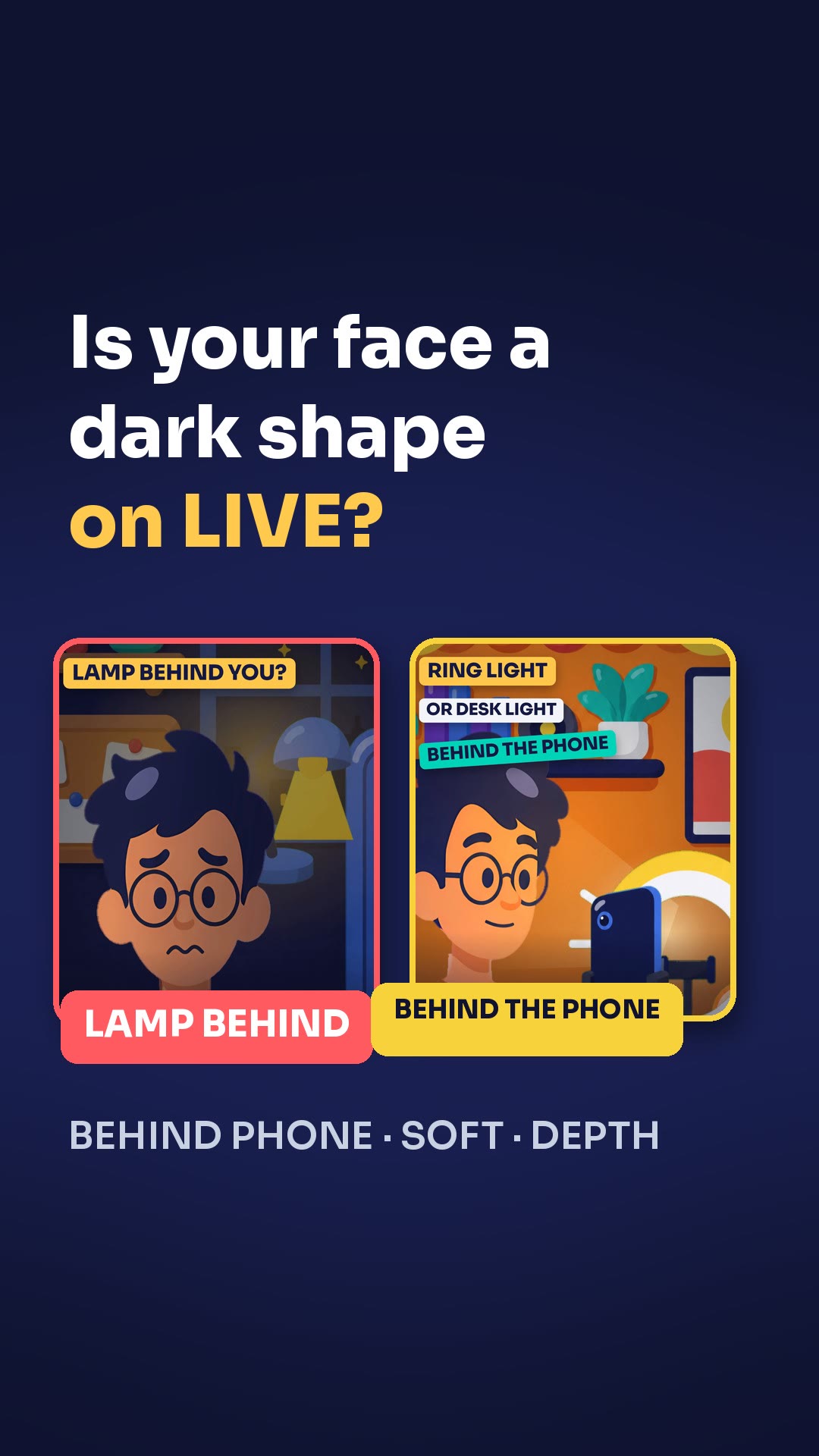
If your face looks weird on LIVE, it's your light. Set the color temperature to 6500 Kelvin for light skin or 4000 Kelvin for a bit darker skin, and use soft light instead of direct light.
Steps
- Set the color temperature to 6500 Kelvin if you have light skin.
- Set it to 4000 Kelvin if your skin is a bit darker.
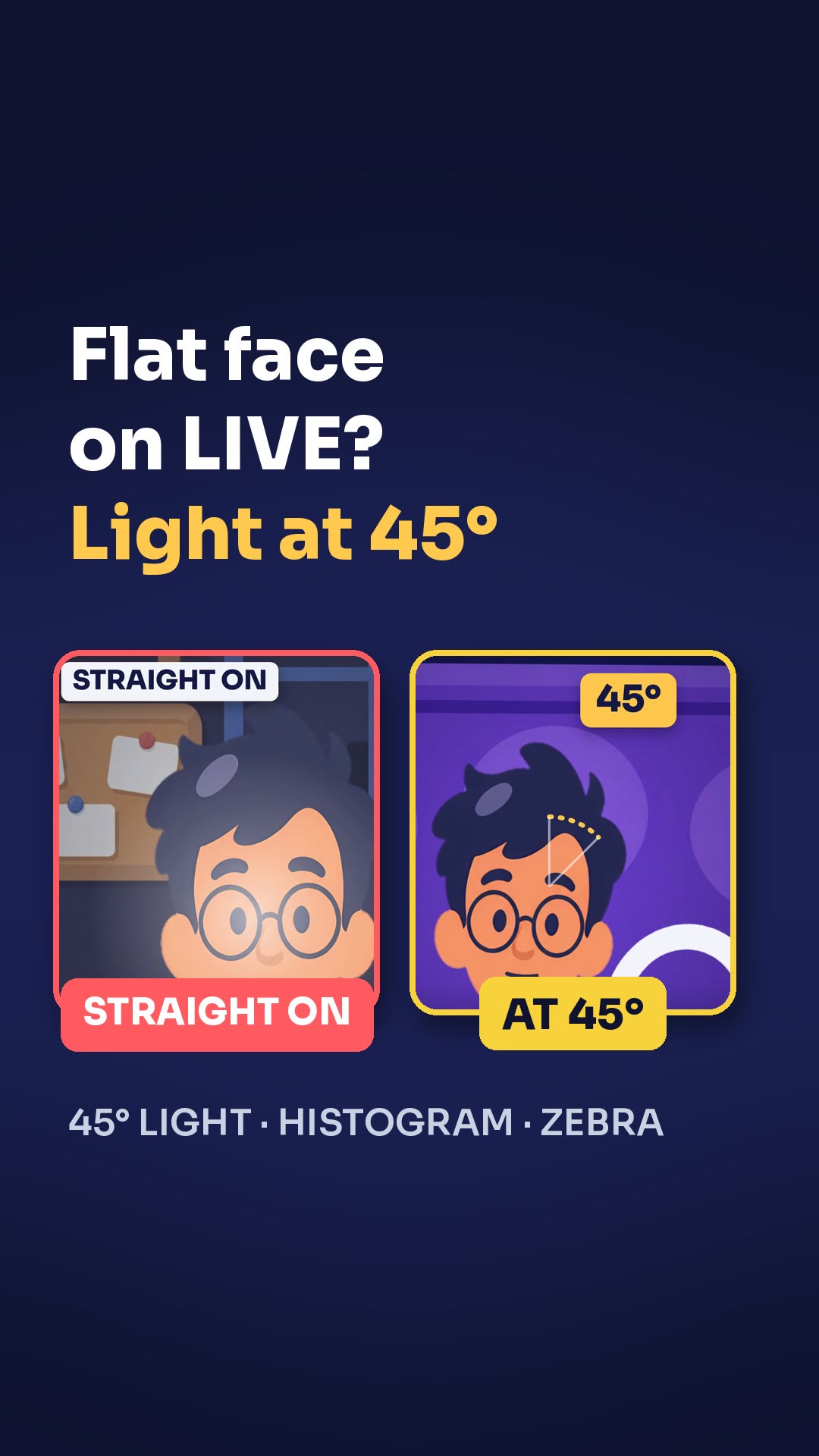
- Skip direct light.
- Put a softbox on your light.
Key points
- You'll see a clear difference in the colors, and so will your viewers.
- Direct light makes your face look flat.
- A softbox smooths your skin and looks natural.
Full transcript
Jake, your face looks weird on LIVE. It's your light. Fix two things. First, the color temperature. Light skin? Set it to 6500 Kelvin. A bit darker? 4000 Kelvin. You'll see a clear difference in the colors, and so will your viewers. Second, skip direct light. It makes your face look flat. Put a softbox on your light. It smooths your skin and looks natural. Right number, soft light. Your face looks like you again. More LIVE tips in the CN Creator App.
Questions this lesson answers
Why does my face look weird on LIVE?
It's your light.
What color temperature should I use?
Use 6500 Kelvin for light skin and 4000 Kelvin for a bit darker skin.
Why should I skip direct light?
It makes your face look flat. A softbox smooths your skin and looks natural.
Watch next
Run an agency? Your creators get these lessons inside CN Creator App. See what CN Creator App does for an agency
More LIVE tips in the CN Creator App
The CN Creator App has a Learn section with more short TikTok LIVE lessons, on iPhone and Android.


 Scan to install on your phone
TikTok and TikTok LIVE are trademarks of ByteDance Ltd. CN Creator App is not a TikTok product.