
Flat face on TikTok LIVE? Swing your light to 45 degrees
0:31 video · Last updated
Short answer
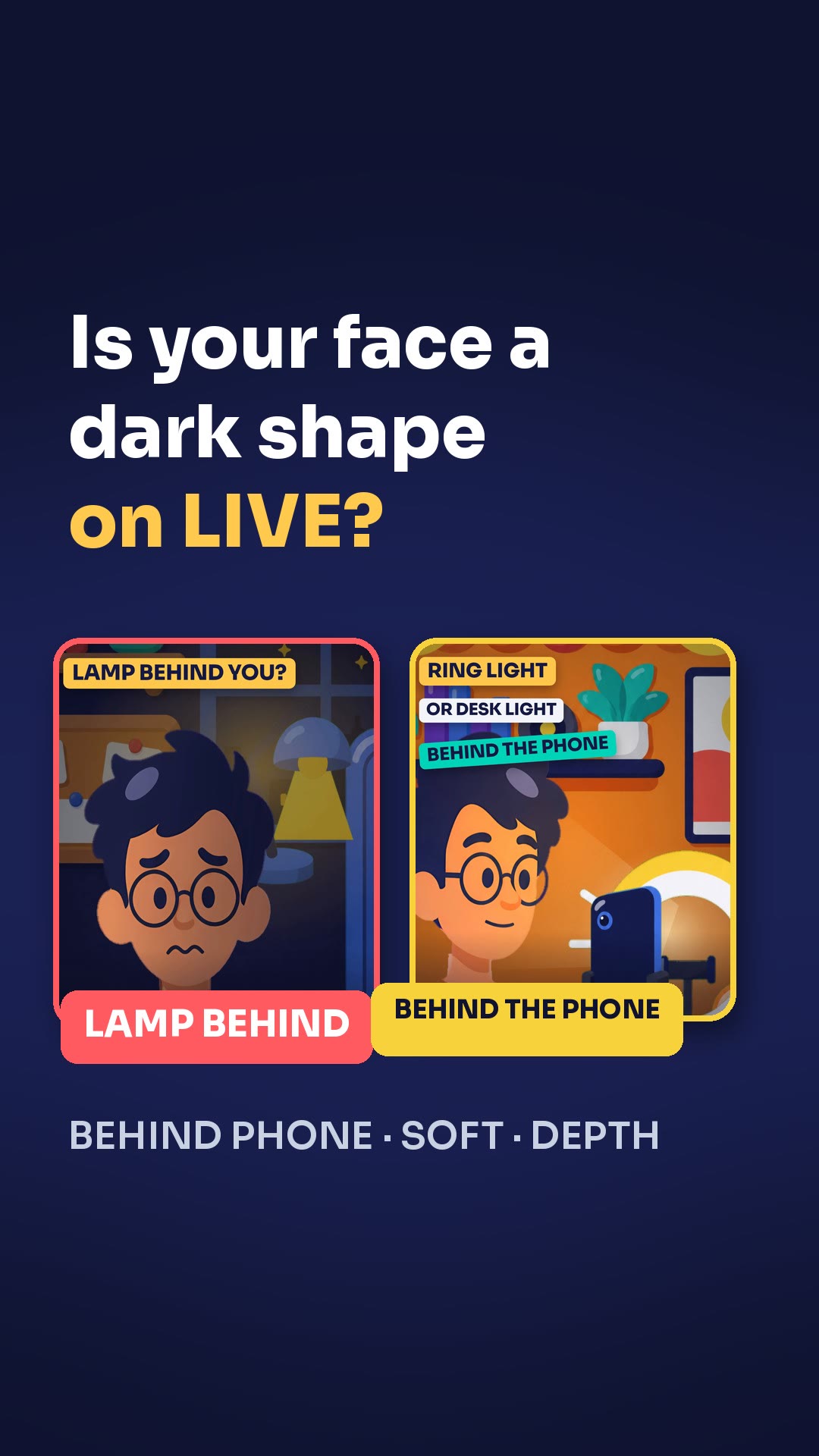
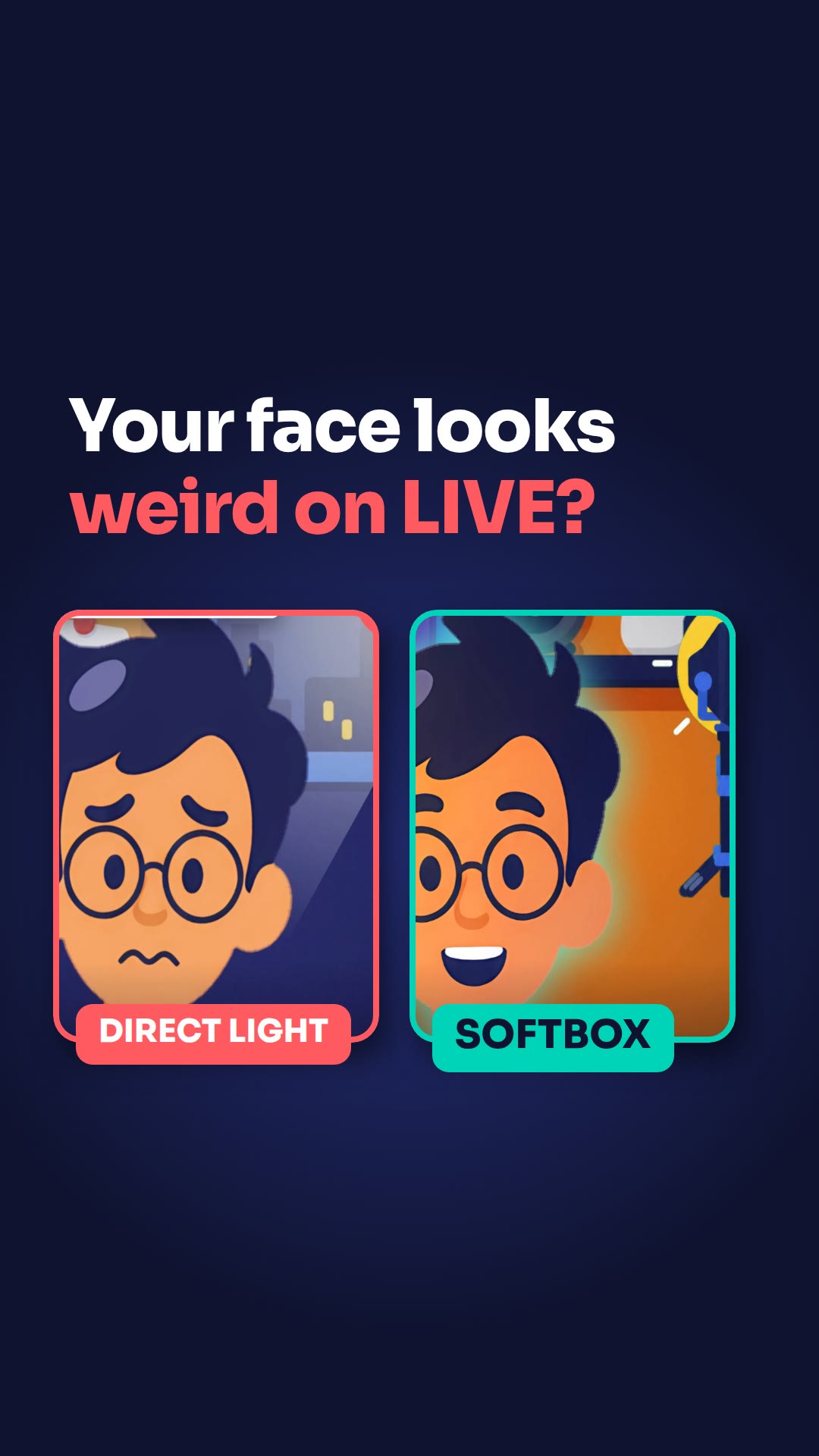
Light straight on your face makes it look flat. Swing the light to a 45-degree angle and your face gets a cinematic look. On a professional camera, check the exposure so your picture isn't burned out.
Steps
- Swing your light to a 45-degree angle instead of pointing it straight at your face.
- On a professional camera, turn on the histogram and the zebra lines.
- Aim for a balanced histogram.
- Let the zebra lines guide you to the right level.
Key points
- Beginners often put the light straight on the face.
- The histogram and the zebra lines show you the brightness.
- The right level means your picture isn't burned out.
Full transcript
Light straight on your face makes it look flat. Beginners do this all the time. Swing the light to a 45-degree angle. Your face gets a cinematic look. On a professional camera, turn on the histogram and the zebra lines. They show you the brightness. Aim for a balanced histogram. Let the zebra lines guide you to the right level. Then your picture isn't burned out. Angle the light, check the exposure. Two fixes, no flat face. More LIVE tips in the CN Creator App.
Questions this lesson answers
Why does my face look flat on LIVE?
Light straight on your face makes it look flat. Swing the light to a 45-degree angle.
What are the histogram and zebra lines for?
On a professional camera, they show you the brightness.
How do I stop my picture from looking burned out?
Aim for a balanced histogram and let the zebra lines guide you to the right level.
Watch next
Run an agency? Your creators get these lessons inside CN Creator App. See what CN Creator App does for an agency
More LIVE tips in the CN Creator App
The CN Creator App has a Learn section with more short TikTok LIVE lessons, on iPhone and Android.


 Scan to install on your phone
TikTok and TikTok LIVE are trademarks of ByteDance Ltd. CN Creator App is not a TikTok product.