
Face too dark on TikTok LIVE? Put the light behind your phone
0:29 video · Last updated
Short answer
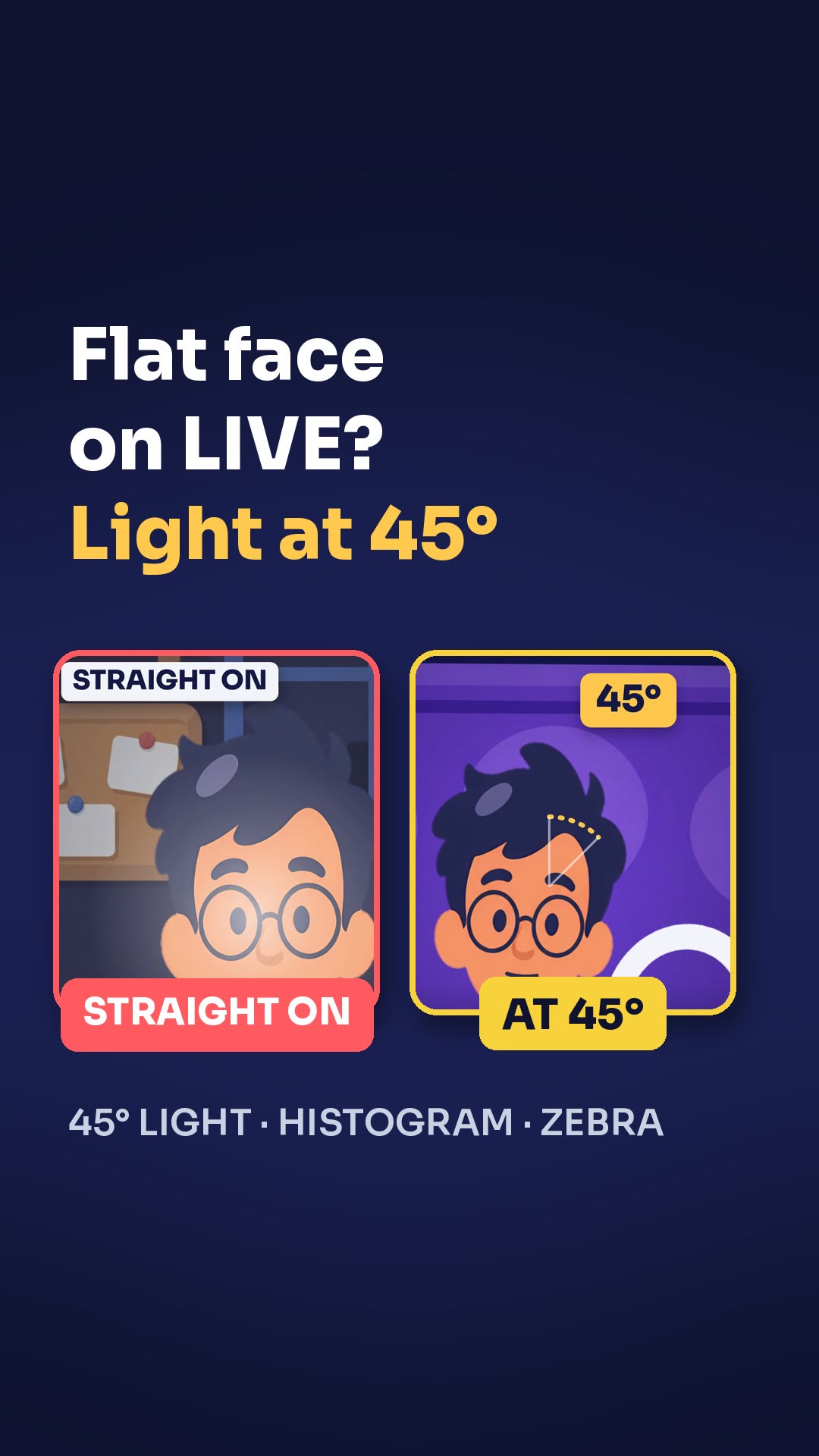
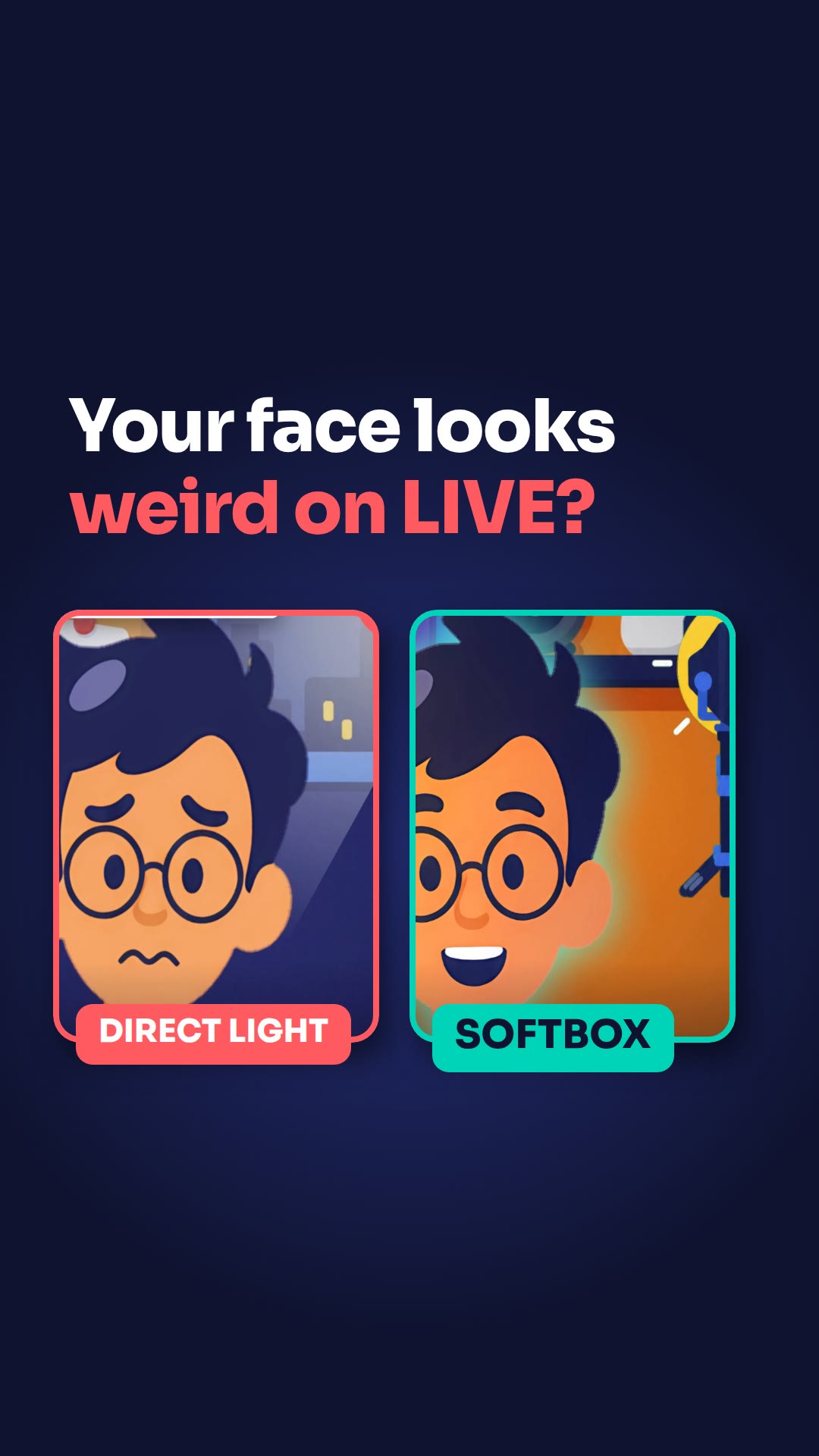
A lamp behind your head makes your face a dark shape on LIVE. Put your ring light or desk light right behind your phone, pointed at your face. Keep it a little above your eyes.
Steps
- Put your ring light or desk light right behind your phone.
- Point it at your face, a little above your eyes.
- Tape white paper or a tissue in front of the bulb if the light is too harsh.
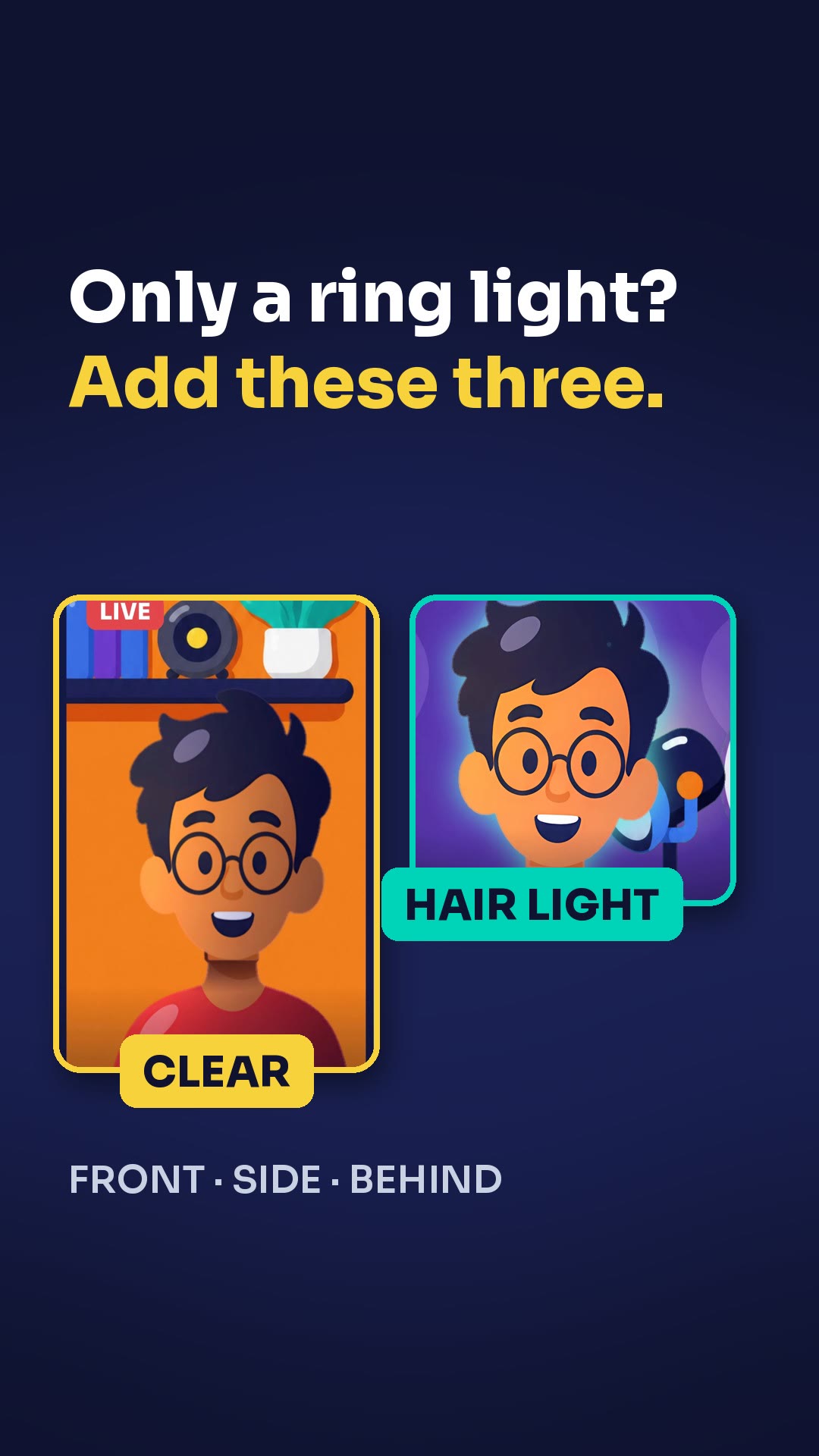
- Add a soft light in a dark corner behind you.
Key points
- A lamp behind your head leaves your face as a dark shape.
- White paper or a tissue in front of the bulb makes the light soft.
- A soft light in a dark corner gives the room depth, like a studio.
Full transcript
Lamp behind your head? On your LIVE, your face is just a dark shape. Put your ring light or desk light right behind your phone. Point it at your face, a little above your eyes. Too harsh? Tape white paper or a tissue in front of the bulb. The light goes soft. Then add a soft light in a dark corner behind you. The room gets depth, like a studio. Main light behind the phone, not behind your head. More LIVE tips in the CN Creator App.
Questions this lesson answers
Why does my face look dark on LIVE?
If a lamp is behind your head, your face shows up as a dark shape. Put your main light behind your phone instead.
What can I do if my light is too harsh?
Tape white paper or a tissue in front of the bulb. The light goes soft.
How do I give the room behind me more depth?
Add a soft light in a dark corner behind you. The room gets depth, like a studio.
Watch next
Run an agency? Your creators get these lessons inside CN Creator App. See what CN Creator App does for an agency
More LIVE tips in the CN Creator App
The CN Creator App has a Learn section with more short TikTok LIVE lessons, on iPhone and Android.


 Scan to install on your phone
TikTok and TikTok LIVE are trademarks of ByteDance Ltd. CN Creator App is not a TikTok product.